Koda for Windows
A native music player for Windows, powered by YouTube Music. WinUI 3, Fluent and Mica, wired into the shell's own surfaces — media keys, the taskbar, the tray. No API key, no ads, and signing in is optional.
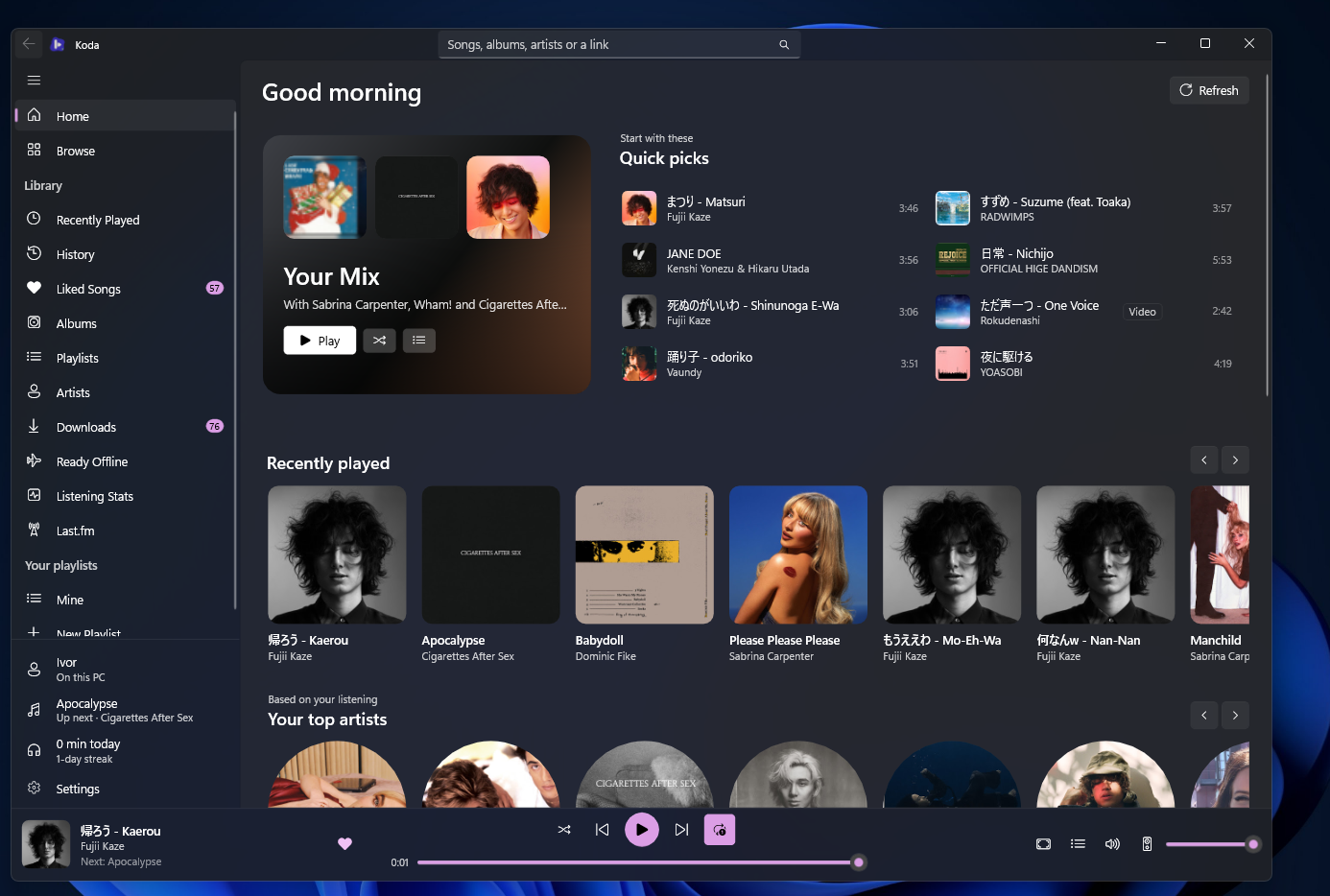
Listening
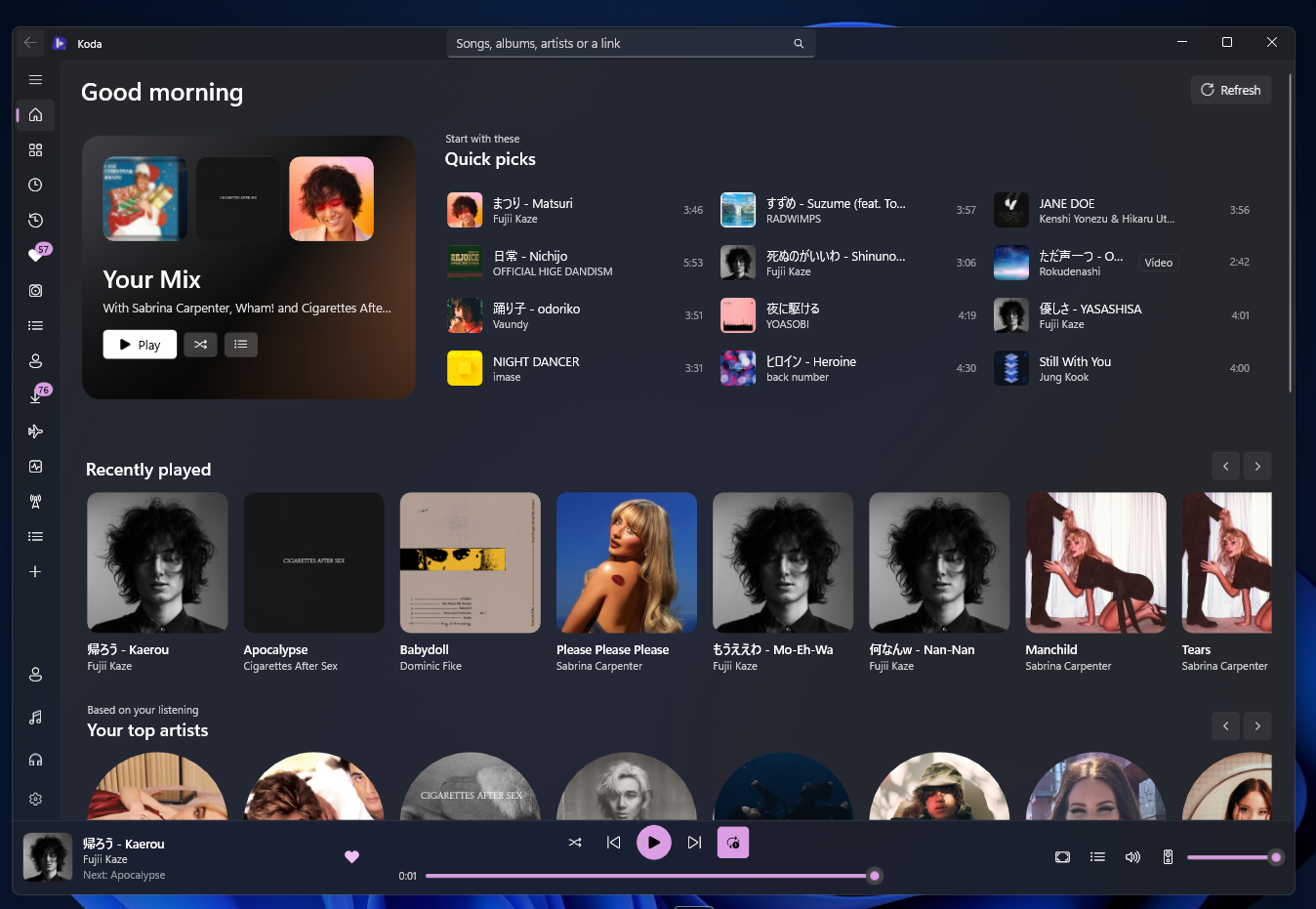
Your Mix, Quick picks, recently played, your top artists, charts and YouTube Music's own shelves. Open Your Mix to see every song in it, or turn charts and trending off so Home shows only what matches your taste.
Songs, albums, artists and playlists, with recent searches. Paste a YouTube or YouTube Music link and the song plays with its radio, or the album, playlist or artist opens.
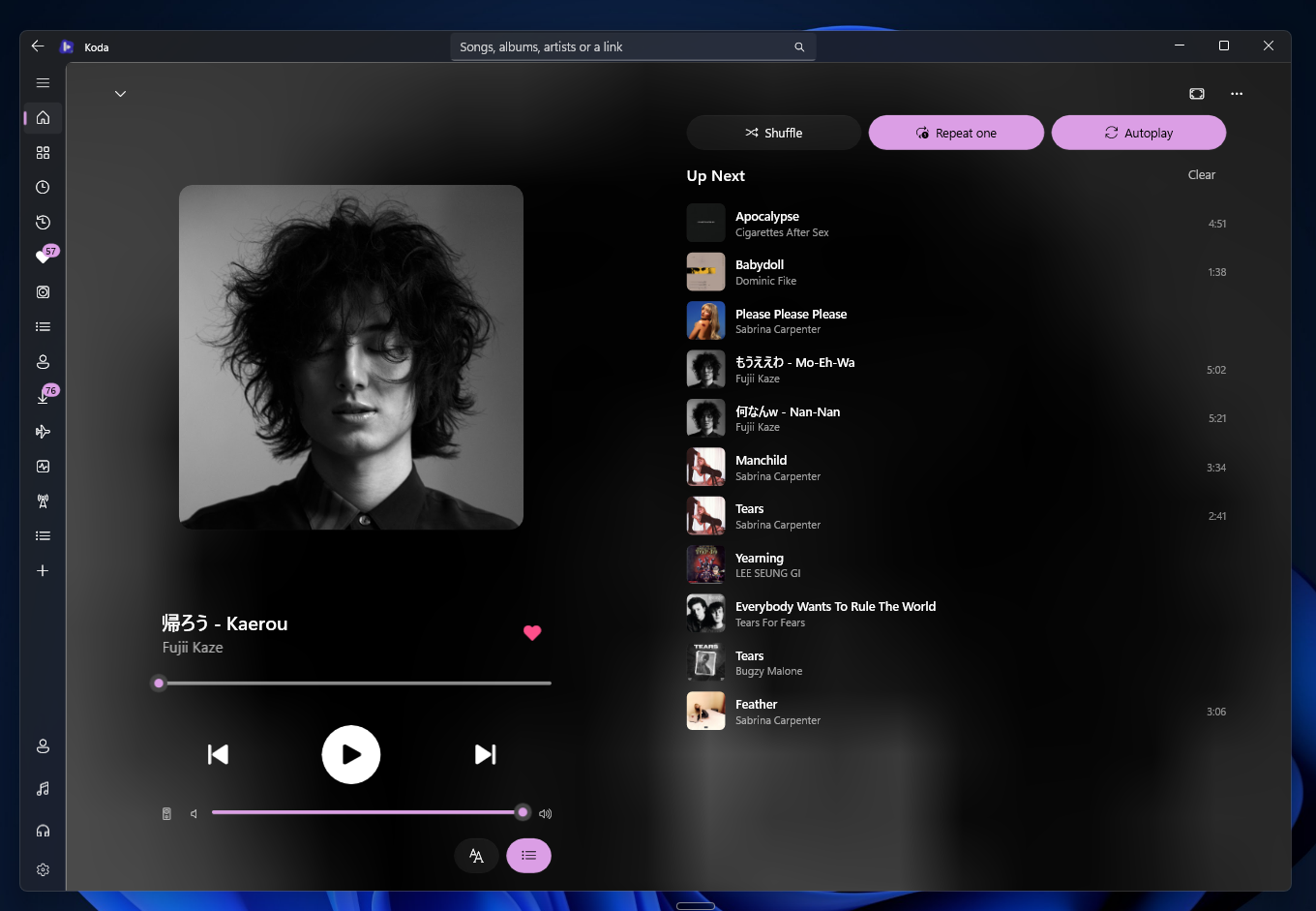
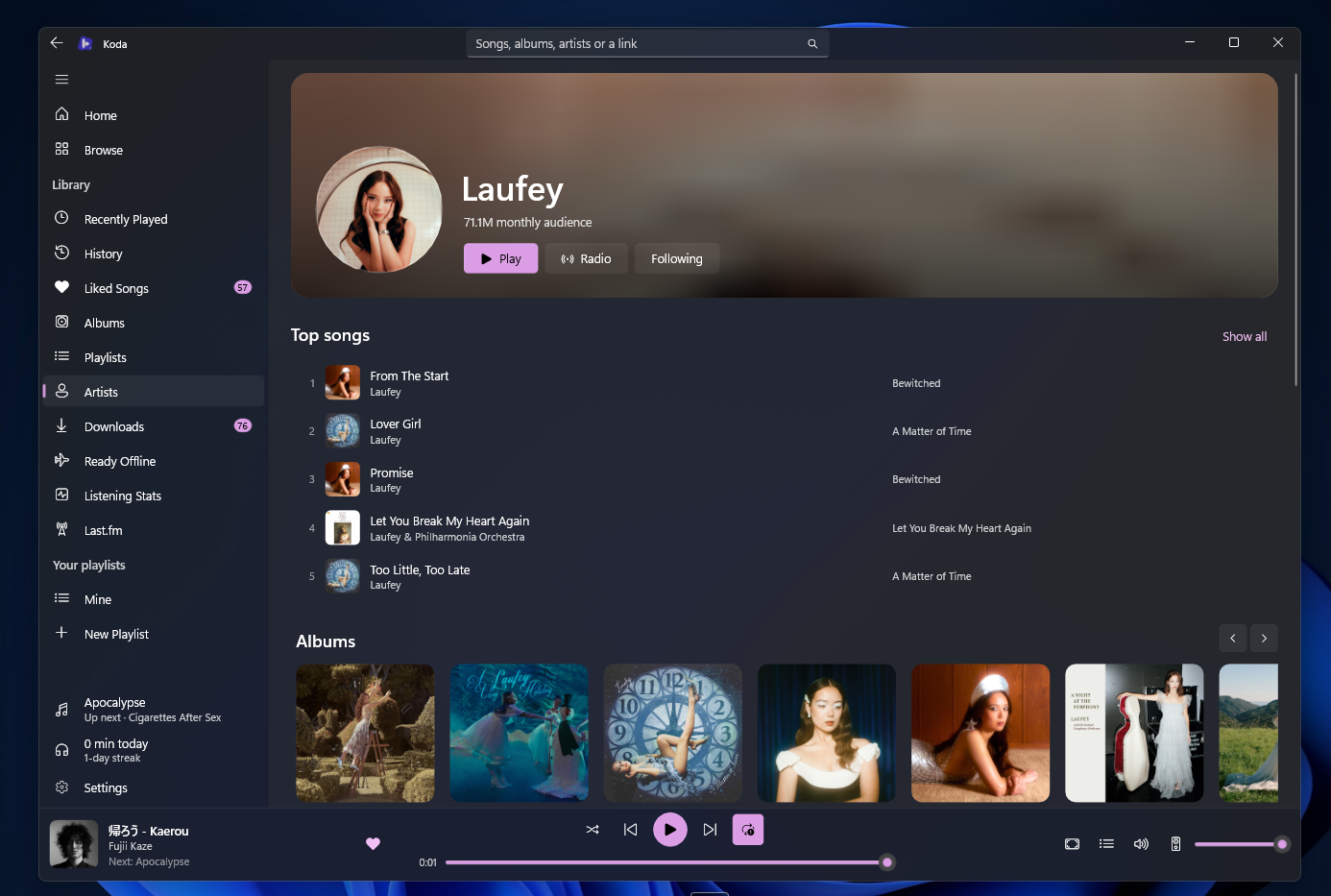
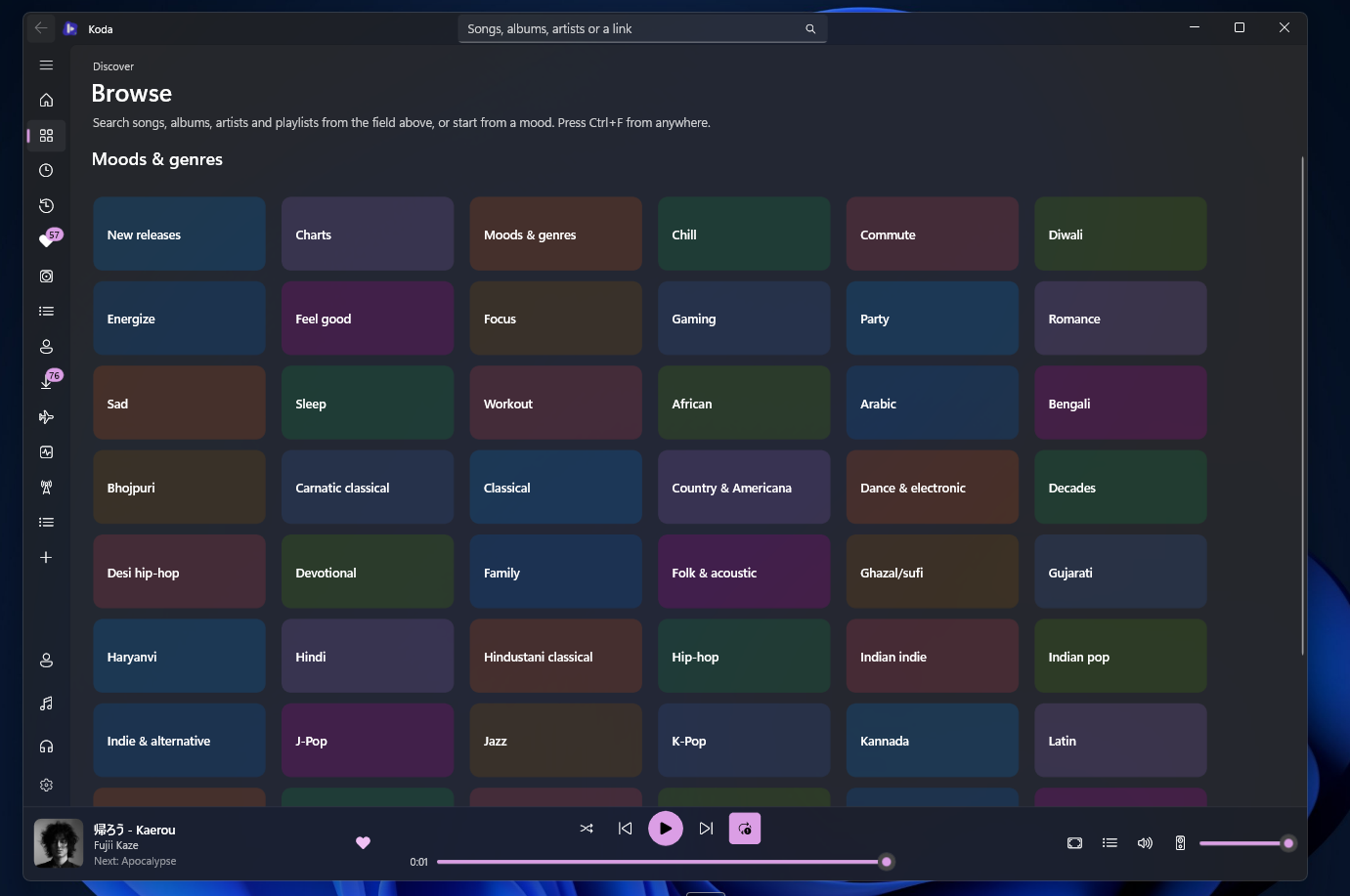
Album, artist, playlist and mood pages each with their own hero and track list, and a Now Playing that takes its palette from the artwork, with the queue beside it.
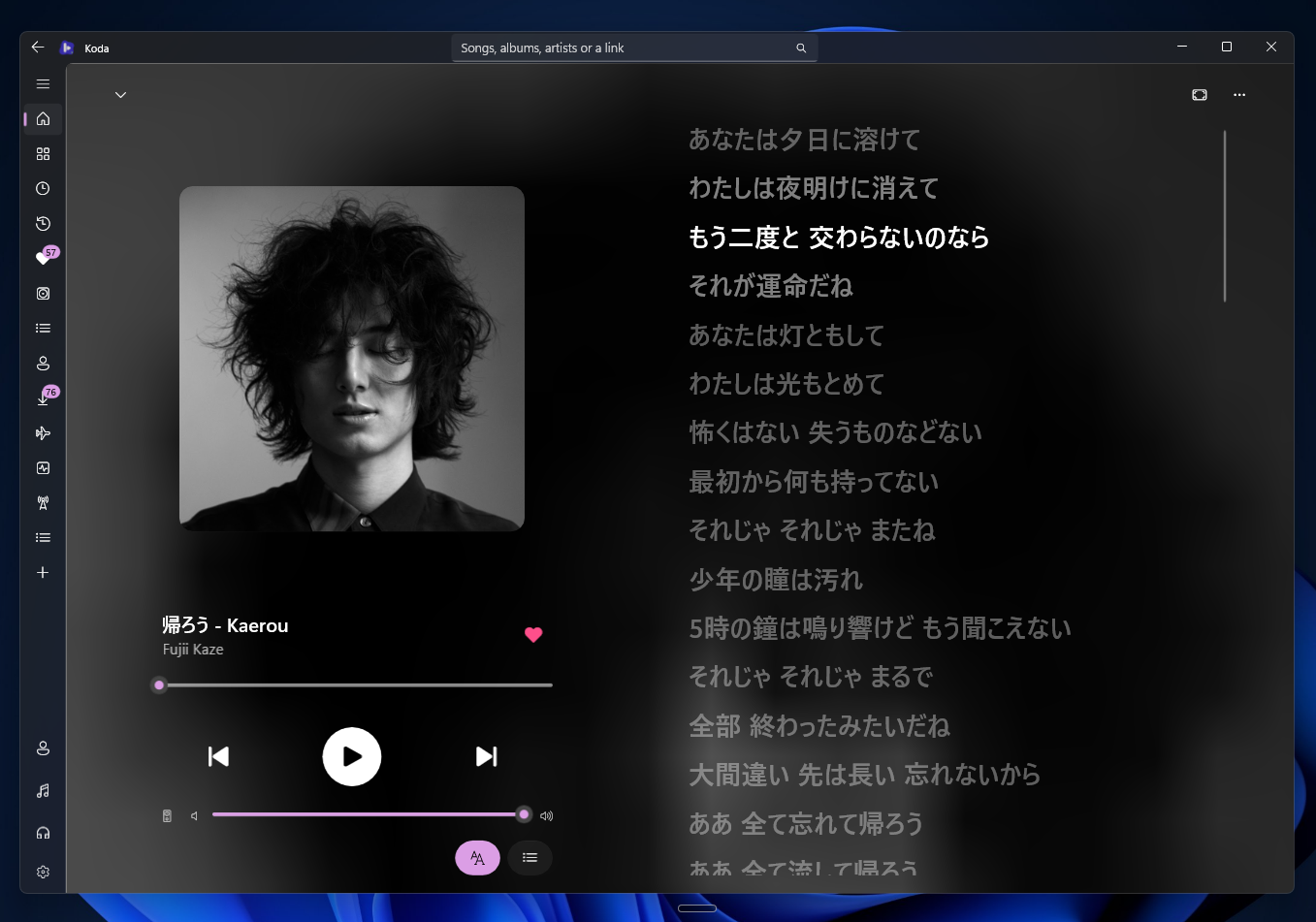
YouLyPlus, BetterLyrics and LRCLIB asked at once. The line being sung fills as it's sung, backing vocals sit under their line and a duet's second voice takes the right. Right-click a line to share it as an image.
Crossfade from 1 to 12 seconds with equal-power fades, repeat-one included, and gapless changes with it off. Volume is normalized to YouTube's loudness target.
Shuffle, repeat, Play next, drag to reorder, and Autoplay that carries on with the radio of the last song. The next song shows under the one playing, a sleep timer, and skips of 5, 10, 15 or 30 seconds.
Your library
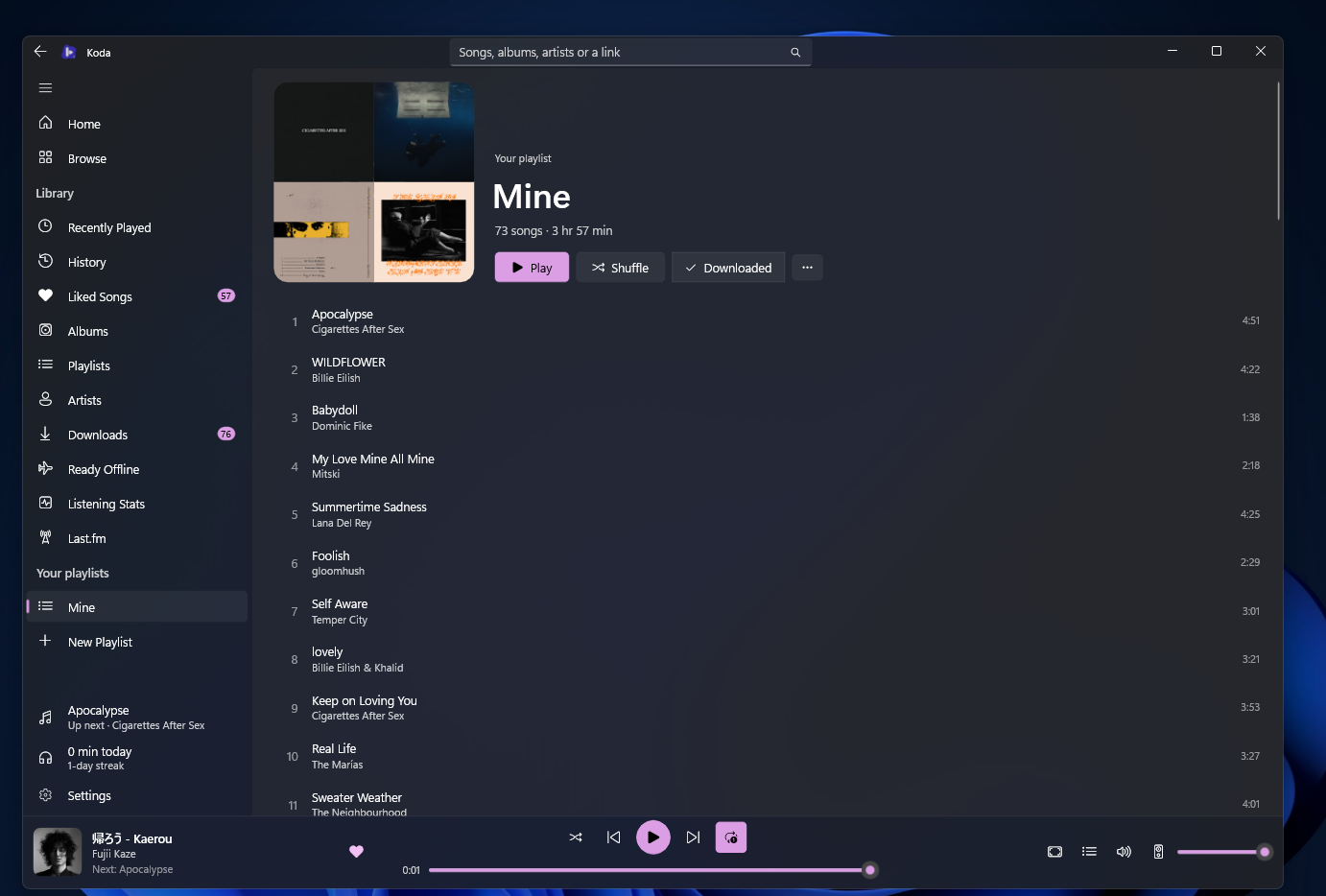
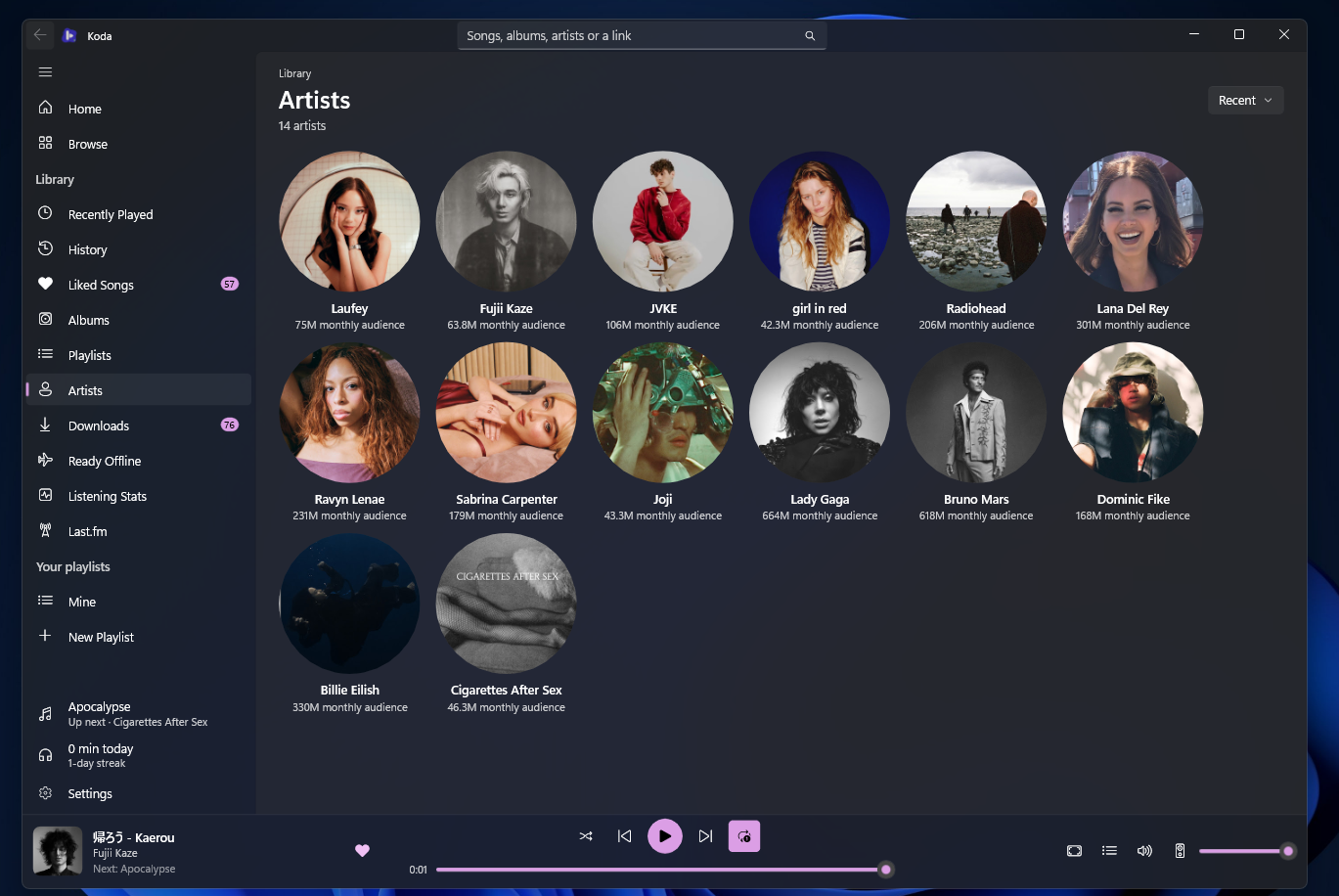
Liked songs, saved albums, playlists and artists, and playlists of your own.
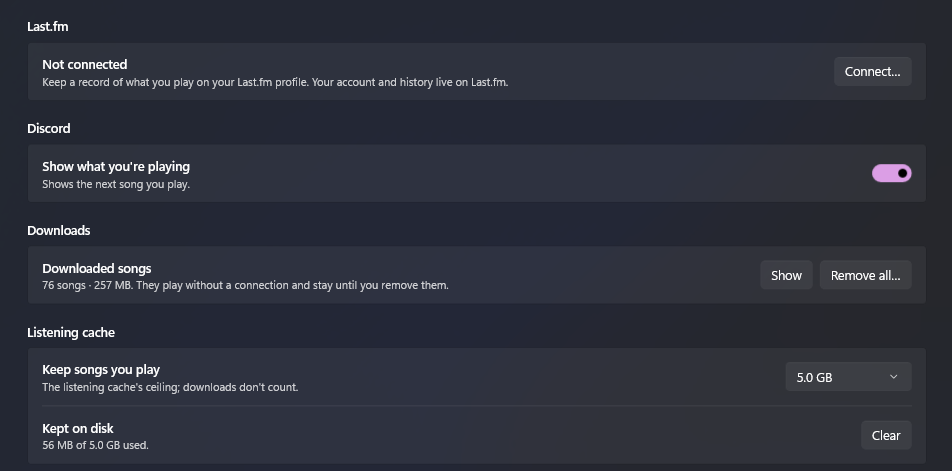
A song from its right-click menu or a whole album or playlist, two at a time, carrying on at the next launch. Point Koda at a lossless server you run and downloads come down as FLAC. Songs you play all the way through are kept too, under Ready Offline.
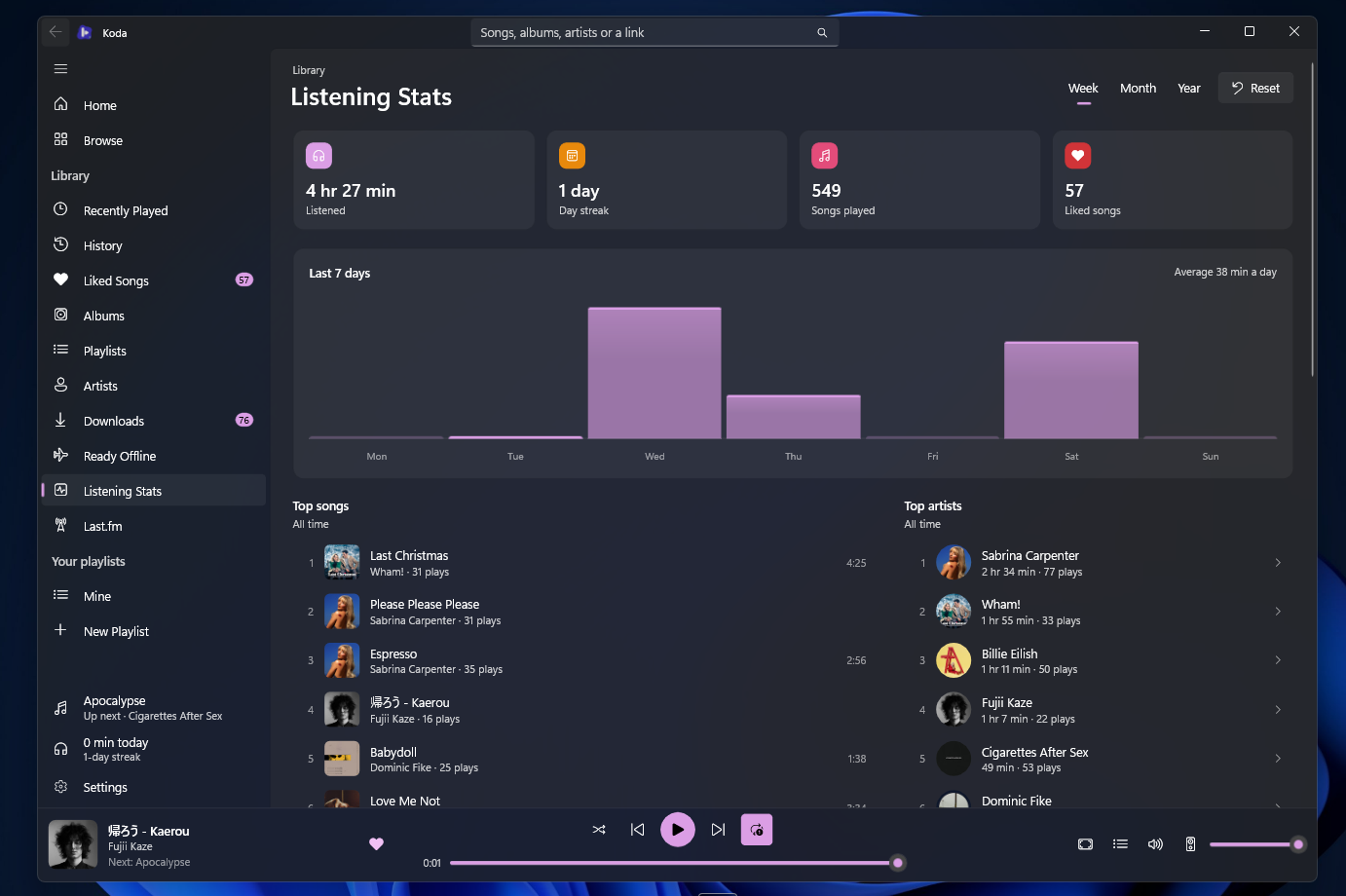
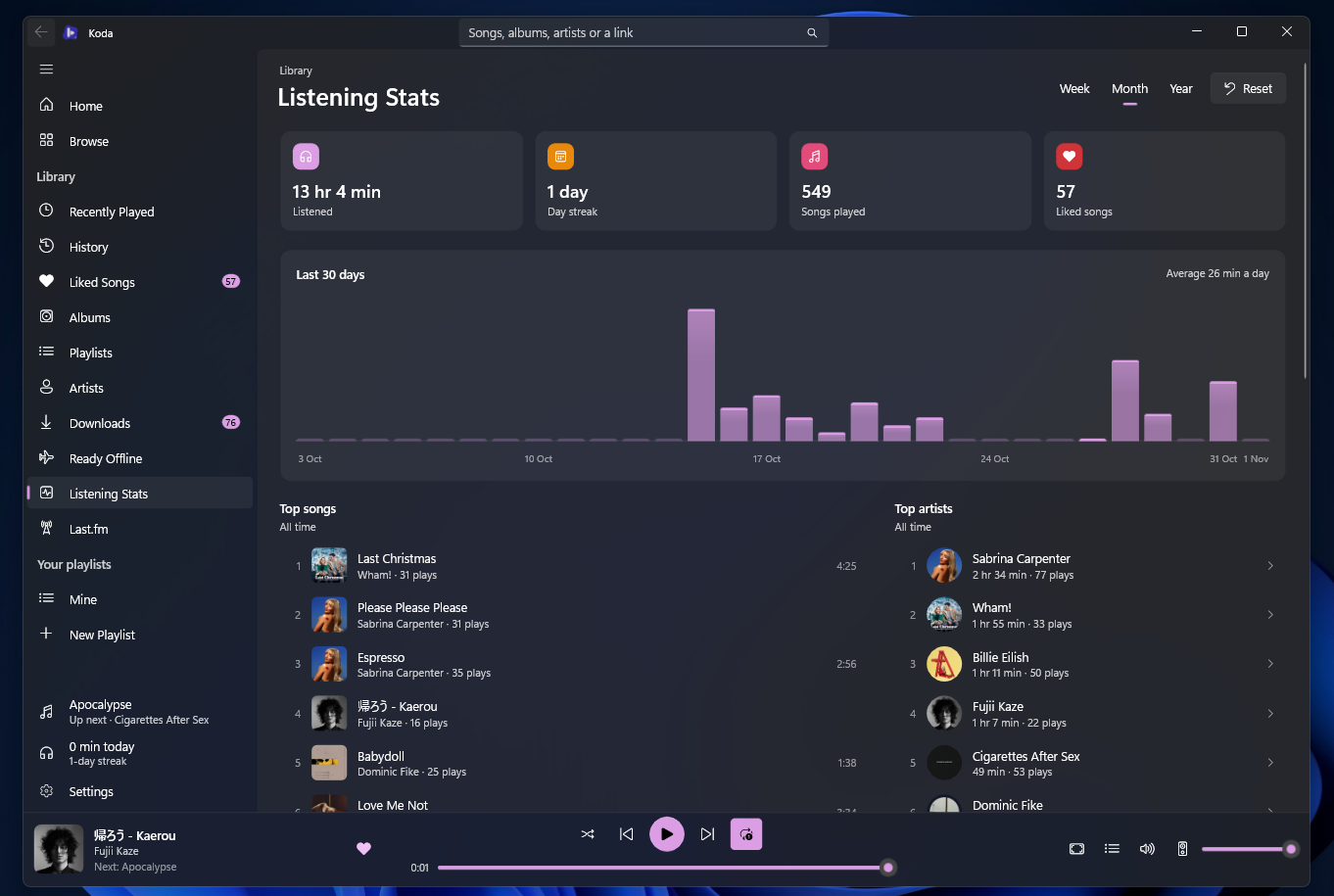
Every play by the day, and listening statistics.
Keep a song or an artist out of Home, mixes, radio and autoplay.
Back up and restore the whole library as one file, or import a Koda for Android backup.
ConnectedAll optional
Sign in with Google to bring liked songs, saved albums, playlists and artists to the PC and keep them in step both ways. Plays heard for 15 seconds can go to your YouTube history. Signing out keeps the library.
With your own API account and Last.fm's approval page — Koda never sees your password — and plays made offline are sent later.
Show what you're playing on your profile, with the cover and a link to the song.
WindowsThe shell's own surfaces
The Windows media card, media keys, the taskbar's progress and buttons, and a Jump List.
Close to the tray and keep playing, with a song notification while Koda is out of sight. A mini player that stays on top, a choice of audio output, open at login, koda:// links and the share sheet.
Scale the content from 20% to 150%, with the title bar following along. Ctrl 0 puts it back, and the choice is remembered.
Works from the keyboard and with a screen reader, and follows the system theme, accent and Energy Saver. It carries none of the Windows App SDK pieces it doesn't use.
Built with
Downloadv0.3.0
Installs into your own Programs folder with a Start menu entry, no administrator rights needed. A newer version replaces the old one and keeps your library.
Unzip anywhere and run Koda.exe. Nothing is installed or registered.